RapidLPC - LPC Character Generator
A downloadable tool for Windows and macOS
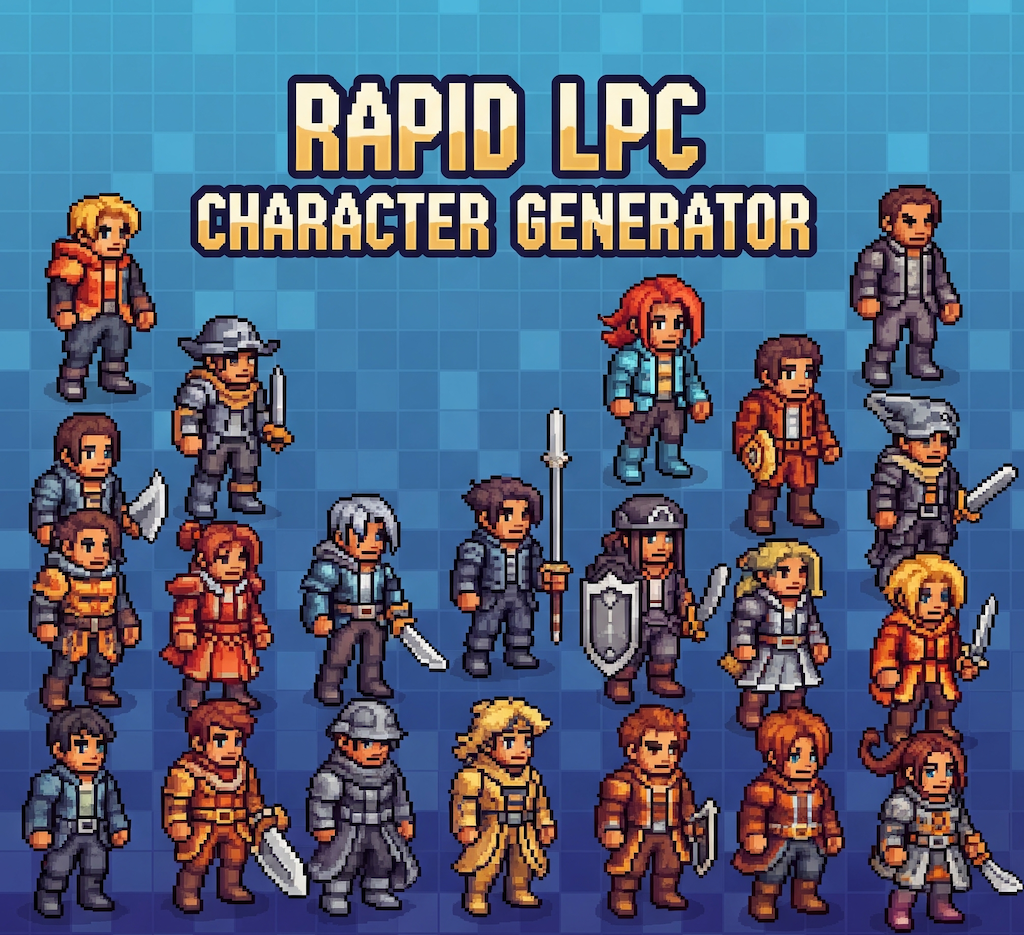
A composable paper doll system for creating Liberated Pixel Cup (LPC) characters in Godot Engine
Features
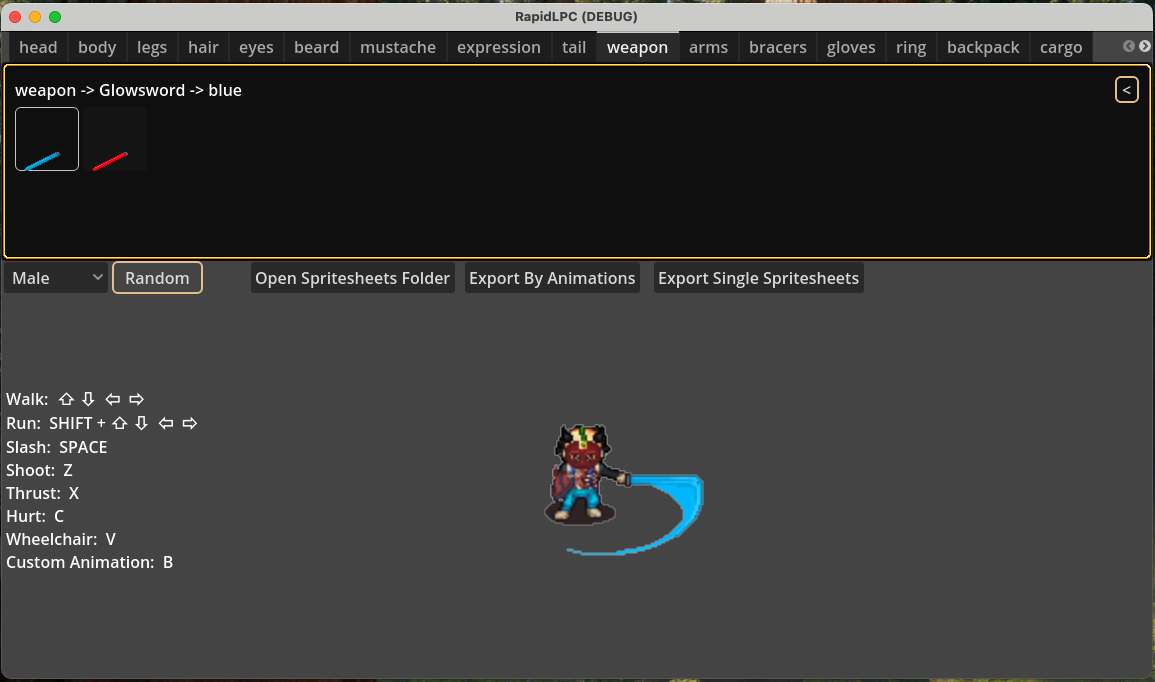
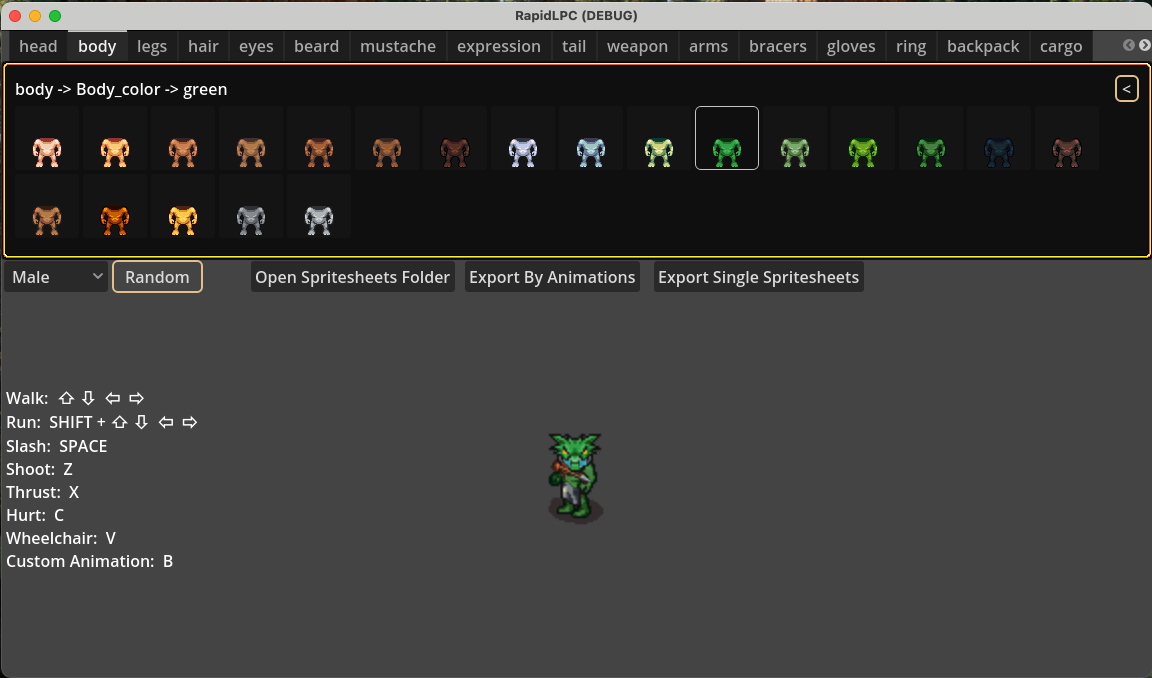
- 🧩 Modular Body Part System: Combine heads, bodies, clothing, and equipment
- 🎨 Live Swapping: Change character components in real-time
- 🧬 LPC-Compatible: Works with standard LPC spritesheets
- 🕹️ Animation Ready: Generated characters work with Godot's AnimationPlayer
- 📦 Resource-Driven Design: Easy to extend with new assets
- 🧪 Proof of Concept: Core functionality implemented (see Demo)
Key architectural principles:
- Modular Part Management
Each body part autonomously handles its own textures and animations for clean separation of concerns. - Real-Time Character Preview
Instantly visualize character changes as you swap body parts. - Live Animation Preview
Test and preview animations dynamically during the design process. - Intelligent Texture Layering
Automatic z-index sorting ensures proper visual hierarchy of body layers. - Flexible LPC Export Options
Export as a single compact spritesheet or split animation sheets in standard Liberated Pixel Cup format.
How to Start:
Step 1: Download and Unzip assets.zip
Step 2: Open RapidLPC
Step 3: Click Open spritesheets Folder
Step 4: Select the spritesheets folder just downloaded
Step 5: Start building/generating your own characters
Step 6: Export spritesheets
NOTES: If your sprites are not displaying correctly, ensure your folder name does not contain any spaces.
Acknowledgments
- Universal-LPC-Spritesheet-Character-Generator
- LPC contributors
- Godot Engine community
Purchase
In order to download this tool you must purchase it at or above the minimum price of $2.99 USD. You will get access to the following files:
Download demo
Development log
- Fixed bugs in windowsAug 09, 2025
- Add Save/Load character featureJul 30, 2025
Comments
Log in with itch.io to leave a comment.
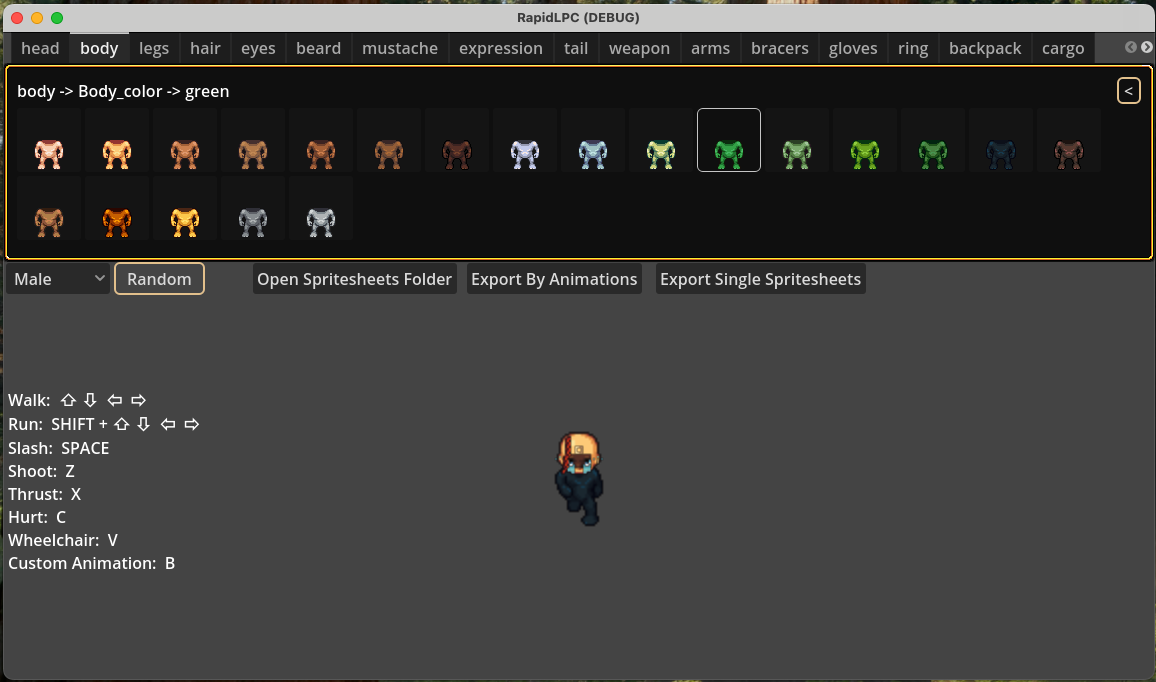
I am having a similar issue mentioned below. I downloaded the RapidLPC.exe and clicked Open Spritesheets Folder, selected the folder but none of the images show up only the names.
hi ,
Have you tried to download this assets?
assets.zip
Thanks!
I will try this one, however it's the same size as the one I got from the link below and the 'Download Demo'. I have tried selecting both the main spritesheets folder and the one inside it next to __MACOSX. I can see the PNG files in the folders and they look fine.
I am also using the RapidLPC.ex
Yes, they should be same, but worth to give it a try.
Same issue. Should it say (DEBUG) in the title?
I also noticed the hierarchy in the spritesheets folders seems different from the .exe. If I go into heads in the spritesheets folder I see arms, backpack, etc.. but the first level in heads in the exe. is Alien, Boarman, etc.. I don't know how the program runs so it may be intended to work this way but I thought I would call it out.
Still having issues. Is there an email I can contact you with to take this concern off this forum?
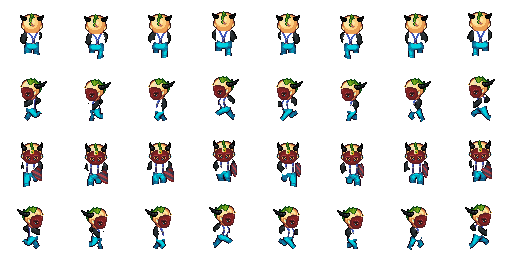
What are those characters in the title art? Thry arent lpc.
Hello! Just picked up the generator today but I'm having the issue EvergreenTV reported with the gray screen. The top levels for each tab show an image but once I get inside of those it's just empty squares. I'm on Windows.
Hi Dolos,
Thank you for trying out this tool,
Can you confirm you've followed the steps above to download the assets?
Step 1: Download and Unzip assets.zip
Step 2: Open RapidLPC
Step 3: Click Open Spritesheets Folder
Step 4: Select spritesheets folder
If yes, would you mind take a screenshoot of the issue?
Also provide your environments, e.g OS version, what folder path did you unzip the tool ?
Thank you !
Hello. Yes, I followed those steps. I even tried it on two different computers but the issue remains. All tabs are the same but I will elaborate on the pictures. The top level of the head tab shows images: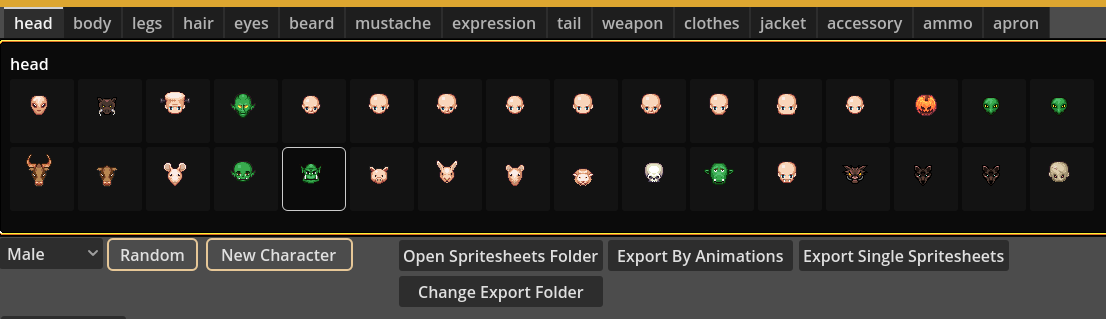
But when I click into one of them all of the images in the subfolder are blank: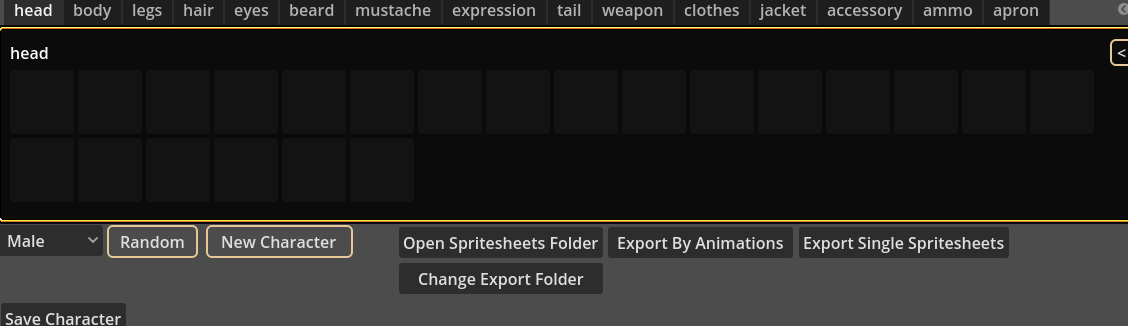
If I manually go into the subfolders of the directory, all the spritesheets have images on them:
The directory is a folder on my desktop:
Here are my system specs:
Windows 11, 25H2
AMD Ryzen 7 7700X, 32GB-5600, GeForce RTX 4080
Hi Dolos,
Thank you so much for the detailed information — it helped me locate the problem quickly!
Since the structure of the assets folder has changed, we now need to use a specific version of the assets. If you could download the file below, everything should work properly:
assets.zip
I’ve also updated the relevant description.
Thank you!
I tried the link but it says the token has expired. Thanks for the fast responses!
Hi Dolos,
Sorry didn’t know it link not work as well, could you try to look for download demo section, I think you should be able to see it there.
P.S Could try this assets.zip
It won't display any character pieces when I select the spritesheets folder, just a gray screen.
I found out it has bugs on windows, and just updated the newer version and fixed those bugs.
Thank you for letting me know,
I was about to buy this saw that comment was like uh-oh then saw your reply and just wanted to say thanks for not only a quick response time to the original commenter but for fixing the issue quickly. Ill be purchasing in the morning.
Thank you for your support! That's my greatest motivation to keep developing better tools for people.